

Spatial Manager™ for GstarCAD is a powerful GstarCAD plug-in designed for GstarCAD users who need to import, export, transform and manage spatial data in a simple, fast and inexpensive way, which includes many functionalities not seen so far in GstarCAD
It comes in a lightweight application that runs inside GstarCAD and allows the user to import and export geospatial data between GstarCAD drawings and geospatial files, data servers or data stores, display background maps, manage alphanumeric data and data tables, create terrain models and contours, search for locations, transform coordinate systems, and many more geospatial functionalities
Key features
Import data
Imports spatial data, into new or existing GstarCAD drawings, as GstarCAD objects and Extended Entity Data (EED)
Export data Enhanced in V10
Export objects from GstarCAD to spatial files or databases, and saves their Extended Entity Data (EED) as alphanumeric data tables
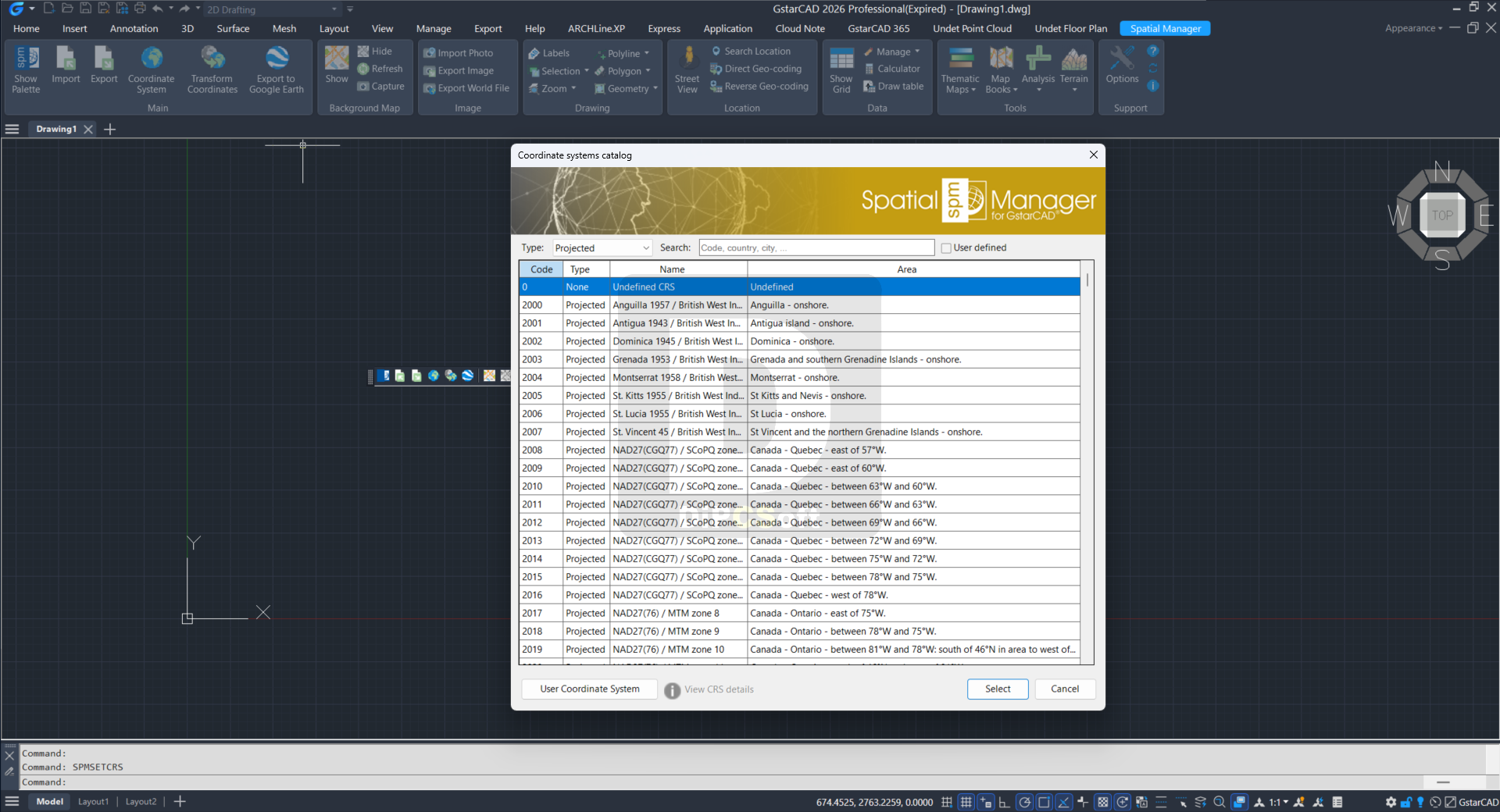
Coordinate management
Calculate coordinate transformations of the objects in the import and export processes in GstarCAD
Background maps Enhanced in V10
Choose in GstarCAD from among a lot of dynamic Backgrounds Maps from providers such as Google Maps, OpenStreetMap, Bing, MapBox, Ordnance Survey, etc. or configure your own maps
Google Earth publication
Export all or part of the objects in the visible Layers from GstarCAD and their data to a KML or KMZ file
Thematic maps Enhanced in V10
Visualize objects coloring them depending on their field values in GstarCAD
Data management Enhanced in V10
Manage the alphanumeric data attached to the objects, design and edit the structure which will be used to store the data in GstarCAD
Spatial analysis
Perform spatial analysis operations in GstarCAD over the objects in the drawing generating new objects from such analysis
Drawing tools
Drawing tools for GstarCAD make your life easier by allowing you to perform actions directly on the drawing
Image tools
Spatial Manager™ for GstarCAD’s image tools allow you to efficiently manage work with raster images
Geometry tools New in V10
A suite of geometry tools for GstarCAD designed to edit, transform, and optimize a wide range of vector elements, including polylines, polygons, and other geometries
Location tools
Location and geo-coding tools in GstarCAD help to add reference elements and enhanced data to existing objects
Google Street View integration Enhanced in V10
Google Street View dynamic image browser on any geo-referenced drawing or map in GstarCAD
Terrain wizard
Create Terrains and other related objects (3D Points, Contours, etc.) from 3D data or from Elevation services in GstarCAD
Map Books New in V10
Create atlas-like layouts automatically within GstarCAD. Ideal for large areas, this feature helps you organize and print multi-page maps with consistent viewports, titles, and layouts
Perpetual license
Pay once, no periodic fees
Multi language
Available in English, German, Spanish, French and Portuguese
Screenshots
Downloads