

Clash Tracker brings clash detection management directly into Revit — eliminating the constant back-and-forth between Navisworks and your model.
Import clash reports exported from Navisworks Clash Detective (XML format) and review every clash without leaving Revit. Select a clash, click Re-Center, and the add-in instantly creates a precise section box around the clashing elements in a dedicated 3D view — with options to highlight, isolate, or select them, all in one click.
Key Features:
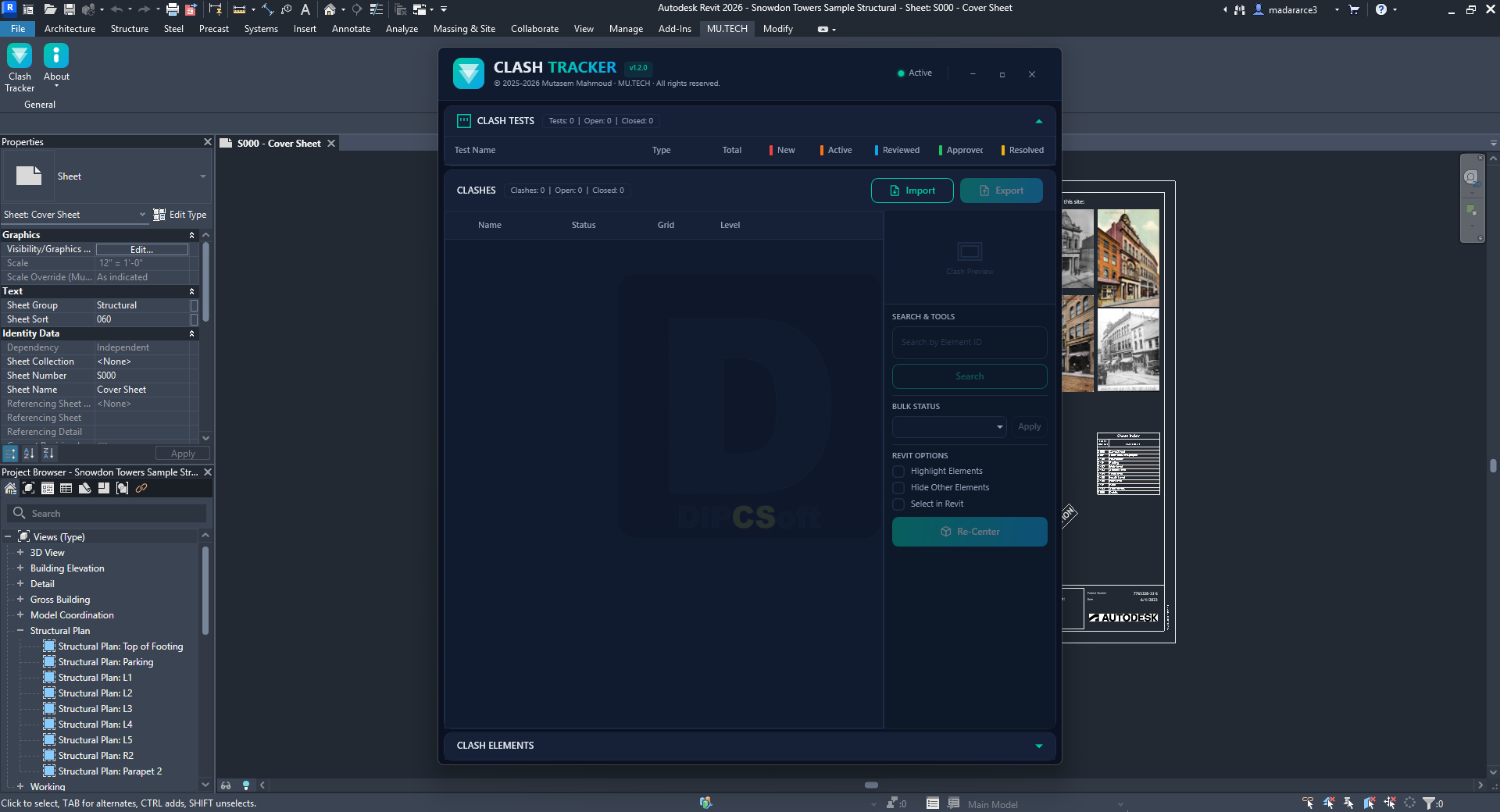
- Import & Export — Load Navisworks XML clash reports and save them back with updated statuses
- Clash Tests Overview — Collapsible table showing all test groups with live per-status counts (New, Active, Reviewed, Approved, Resolved)
- Re-Center Navigation — Creates a tight section box around clashing elements computed from actual Revit geometry, including linked models
- Revit Options — Highlight elements, hide all others, or select them — applied together in one action
- Status Management — Update clash status directly in the table with color-coded indicators
- Bulk Status — Apply a status to all visible clashes at once
- Search by Element ID — Filter clashes to any element instantly
- Clash Elements Panel — View full element details (ID, Category, Type, Name, File) for both sides of every clash with individual select buttons
- Multi-language — Automatically matches your Revit interface language
Compatible with:
Autodesk Revit
Version: 2026 , 2025 , 2024 , 2023
About This Version
Version 1.2.0, 4/23/2026
Clash Tracker v1.2.0 is a full redesign and rebrand of the original Clash Resolver add-in, with new platform support, a new activation model, and several new features.
New in this version:
Revit 2025 and 2026 support (.NET 8.0)
Complete UI redesign — MU.TECH dark theme replacing the previous default WPF styling
Bulk Status — apply a status to all visible clashes in one click
Multi-language support — interface automatically matches your Revit language
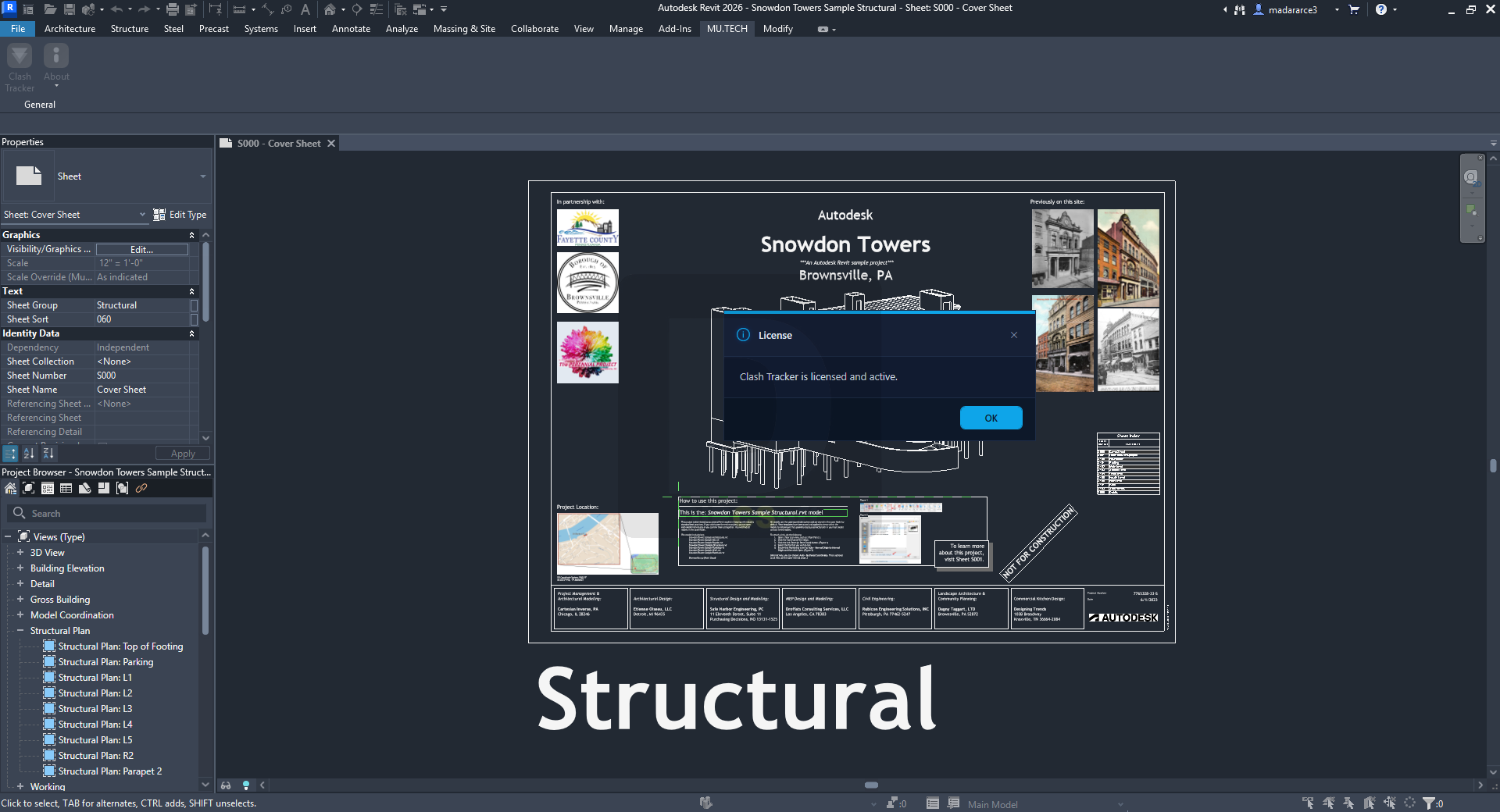
About menu in the ribbon (Website, Feedback, License status)
File field added to the Clash Elements panel showing the source model for each element
Section box now computed from actual element bounding boxes for a precise, tight fit — replaces the previous fixed-size box approach
Screenshots
Downloads