

PCCTools for Revit is a point-cloud plugin for Autodesk Revit, developed by CADTools.pro (SPM3D), designed to help BIM users work with laser-scan/point-cloud data directly inside Revit models. It’s part of the broader “PCCTools” family, which also has dedicated editions for AutoCAD and BricsCAD.
Key Features
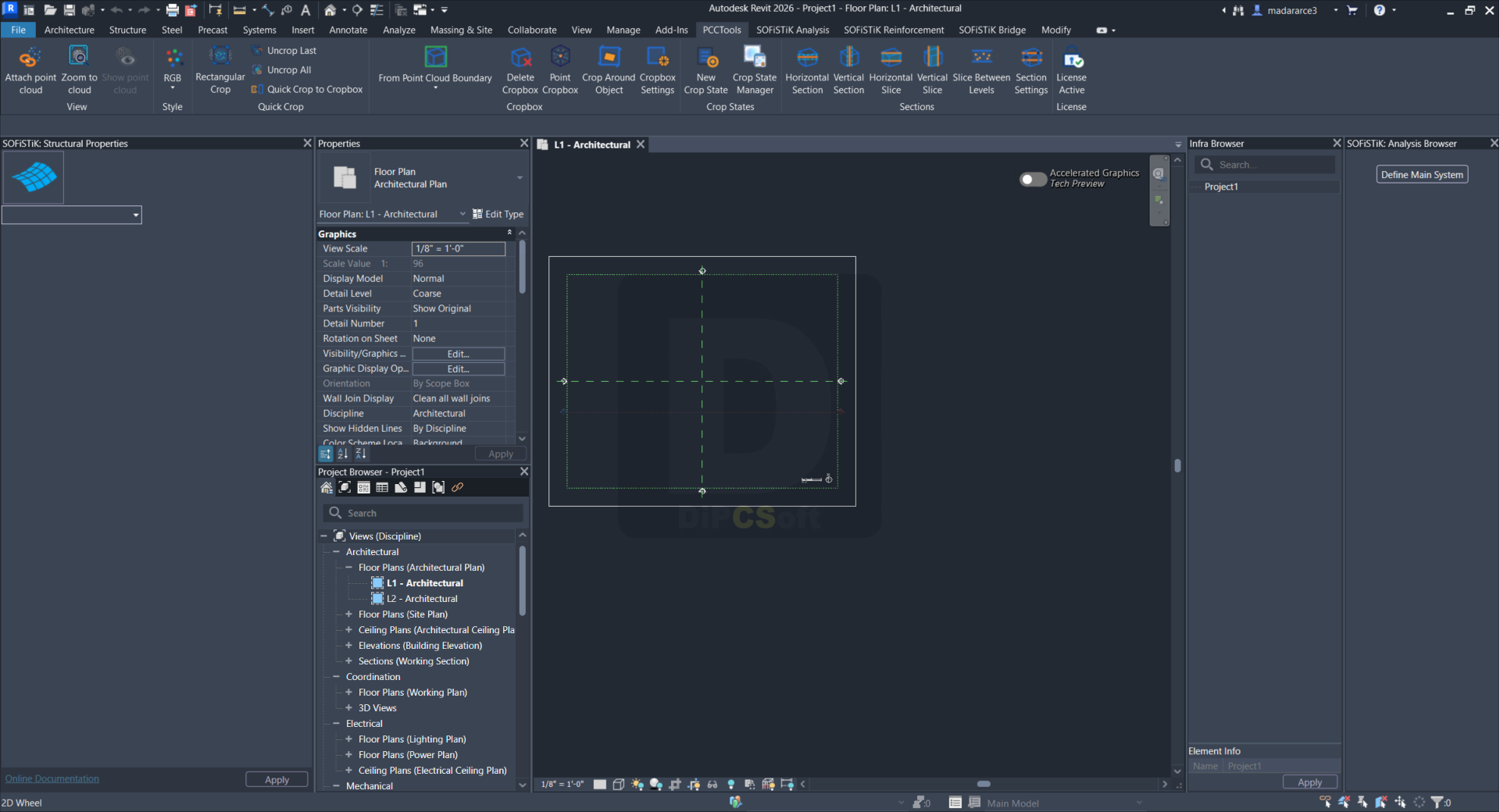
- Reversible Quick Crops — stack screen-aligned rectangular crops on a linked point cloud, undo the last crop, or restore the full cloud with “Uncrop All.”
- Quick Hide/Show Point Cloud — instantly toggle a linked scan’s visibility without digging through Revit’s view settings.
- Editable Cropboxes — fit Revit’s native 3D section box to the full or cropped point cloud, then adjust it using standard Revit grips.
- Point and Object Crops — generate a crop box around a picked scan surface, or align one automatically around a model element (pipe, duct, beam, etc.).
- Named Crop States — save quick-crop history and Cropbox transforms inside the RVT file for repeatable, reusable project views.
- Sections and Slices — create horizontal/vertical sections, view-oriented slices, and level-based slabs through a point cloud.
- Point-Cloud Display Styles — switch between RGB, fixed color, intensity, elevation, normal-direction, and custom styles directly in the Revit view.
Compatibility
Autodesk Revit 2024–2027
Windows 10/11, 64-bit
Works with linked point clouds
Current version: 0.31.4
Compatible with Autodesk Revit 2024-2027 on 64-bit Windows 10 or Windows 11.
Screenshots
Downloads