

Affinity by Canva brings together the power of the now obsolete Affinity Designer, Affinity Photo and Affinity Publisher under the same umbrella.
Purchased by Canva, the new Affinity application stands out through its overarching feature set, which encompasses multiple toolsets ready to meet your needs and requirements. You get one-click access to professional-grade photo editing, vector tracing, illustration creating and layout design, accompanied by customization tools and multiple export options, all in a single application.
Customize your workspace to match your needs
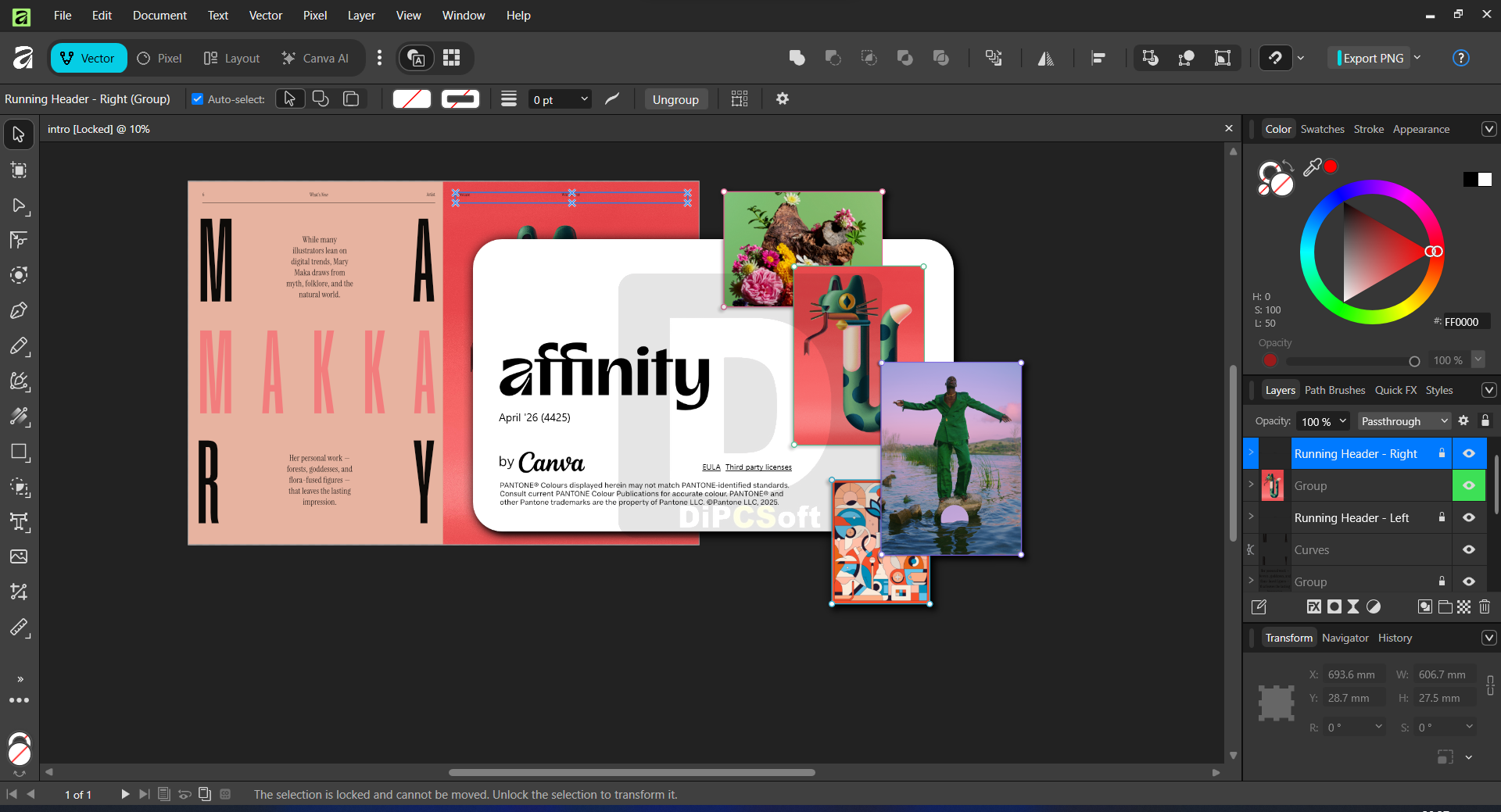
Once logged in, you can explore Affinity’s toolset and enjoy an intelligently designed interface layout, one that allows the quick switching between Vector, Pixel and Layout Studios, working together to help users unleash their creativity.
I was excited to find out that the default layout of the panels can be freely modified, meaning you can customize your workspace exactly the way you need to. This degree if adaptability to the user’s needs is sure to be appreciated.
Feature-rich graphic editor with layout management tools
Photo editing with filters and effects, image compositing, layer support, and live preview allow you to work in a worry-free environment where modifications do not tamper with the original layers.
Affinity by Canva comes with support for RAW editing and delivers advanced graphic retouching tools, while its productivity-oriented toolbox, with batch support and macros, can automate your workflow and save you time. The rich toolset in the Vector studio allows for high-precision vector tracing, shape building, curve editing, and more.
There are multiple project layouts available in Affinity by Canva, all ready to ensure the consistency of your designs and guarantee publishing and sharing with no quality loss.
AI-powered features in a feature-rich and collaborative environment
Supporting creatives as promised, Affinity uses the latest technologies to help deliver content: its built-in AI tools include AI-powered vector and image generation, quick background removal, all while protecting your privacy by not sharing content to improve AI features (unless you opt in on this).
With support for multi-layer compositions and customizable layouts, Affinity by Canva delivers a comprehensive toolbox for photo editing and layout publishing. Integrating the capabilities of its three predecessors into a single package, it also creates a collaborative environment, where multiple users can work together.
Screenshots
Downloads