

Mimiq Pro enables remote and hybrid collaborative workflows by letting you use non-network volumes alongside SMB, NFS, and AFP shares.
Mimiq Pro allows you to create Workspaces from any type of storage – such as a RAID, SAN (e.g. Quantum StorNext), LucidLink Filespaces, Suite Studios and even local folders – which Media Composer treats as independent NEXIS volumes.
Mimiq Pro also provides NEXIS Coexistence, allowing one to utilize any type of storage for Bin Locking simultaneously with a NEXIS.
Mimiq’s features
All the things you no longer want to do without, once you’ve grown used to them.
All features
Pro features
Bring your own storage
Freedom of choice on storage is at the core of Mimiq’s functionality. Use your preferred third-party NAS in Media Composer, mix and match servers, and with a Pro license you can add even add a NEXIS to the mix.
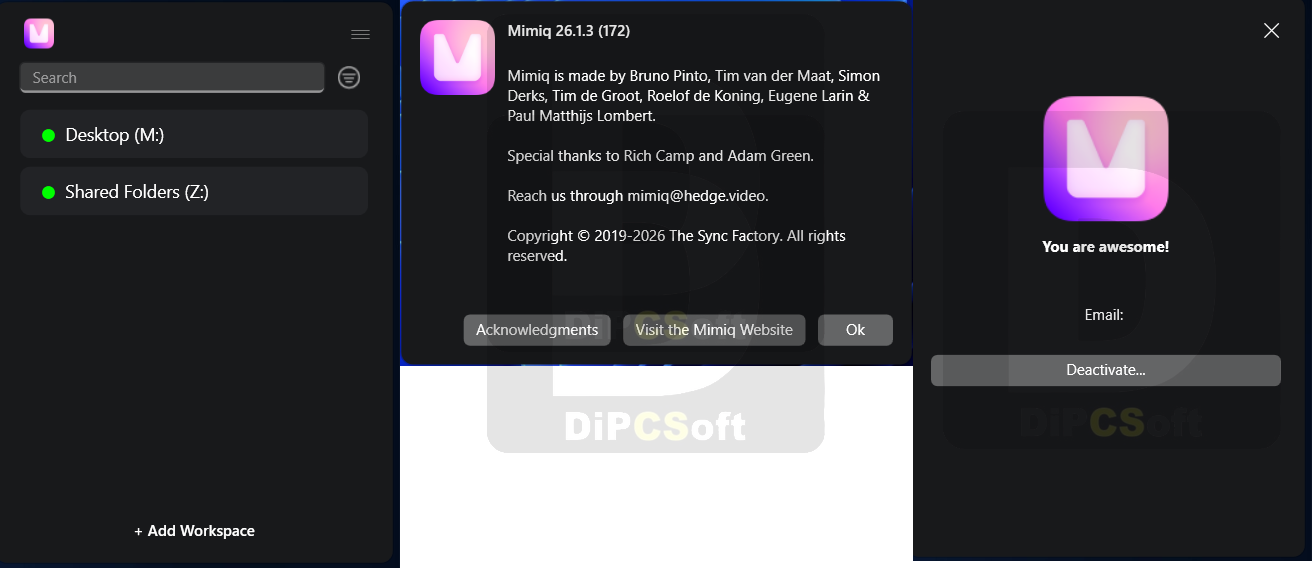
Workspaces
Turn any type of block storage into a Media Composer-compatible volume. For SAN, RAID, and even your internal SSD. Remote workflow? Sync your media with your favorite tool or service, and let Mimiq manage the Workspaces for complete control of your volume names and paths. Share Workspaces with your entire team, without setting up every machine manually.
Remote and hybrid teams
Supercharge your Media Composer workflow and go remote. Whether you and your team work on-prem or remote, with Suite or LucidLink it’s a seamless transition. Already using local shared storage? Add it to the mix, for the perfect hybrid workflow.
Nexis Coexistence
Simultaneously use any type of storage together with a NEXIS. Mix a NEXIS with a third-party NAS, go hybrid with Suite or LucidLink, or do both – all at the same time. Put your bins on one share, and your media on the other. Serve your DNxHDs from a slow NAS, and DNxHR from a fast one. Also available for Facilis!
All the locking… without the lock-in
Working collaboratively shouldn’t require constant communication to avoid conflicts. Mimiq allows editors to easily understand the locked or refreshed status of bins they’re working with, whether they’re working together on locally attached storage or remotely via the cloud.
Workspace Discovery
For teams moving to Mimiq, Workspace Discovery makes light work of turning those folders containing Avid MediaFiles into Workspaces. Simply choose the location you want to scan, then let Mimiq do the rest.
Up-to-date and future-proof
As with all Hedge apps, Mimiq has separate dedicated technology for both macOS and Windows, making sure you get the best experience whether you’re on Mac or Windows. And yes, that includes native Apple silicon support — an industry exclusive. Best of all, we even have a special version for Mimiq for Mojave.
Modern license management
Forget the rigid MAC address licenses of the old days. No need for a degree in IT to set up or move licenses. Through our License Manager, managing activations is dead easy now, with unlimited portability and even remote deactivations.
No setup fees or long-term contracts
Because Mimiq is not a subscription, pricing is very flexible. No need for a support contract, there are no monthly fees, and the 10-day trial ensures you know Mimiq will work for you and your team before spending a dime. Best of all: adding more people to your team doesn’t break the bank.
Wide version support
No editor likes upgrading their Media Composer if it can be avoided. That’s why we are on par with Avid, supporting all versions of Media Composer that Avid supports (plus Media Composer 2018), an even wider range of macOS versions, and of course both Windows 10 and 11.
Local License Server
For those Avid facilities that require air-gapping of their editorial suites, we have a special on-prem license server solution. Available for macOS, Windows, Linux, and FreeBSD, and paired with a Mimiq Pro license any facility can offer any level of required security. And yes, it’s manageable via MDM.
Media Composer 2018 Support
Teams that have to continue using Media Composer 2018 are not left behind. A special version is available for use with 2018, which is also compatible with macOS 10.14 Mojave.
Screenshots
Downloads