

The constant updates made to the wide variety of desktop programs we use on the daily provide additional features that enhance our workflows at the cost of using more memory, storage space and processing power.
Those who already experience slowdowns but would also like to get additional time to save up before making changes to their machine’s configuration may be able to solve certain annoyances that plague their computer by harnessing the power behind the aptly named MyCleanPC suite of tools.
An all-in-one solution for all of your optimization needs
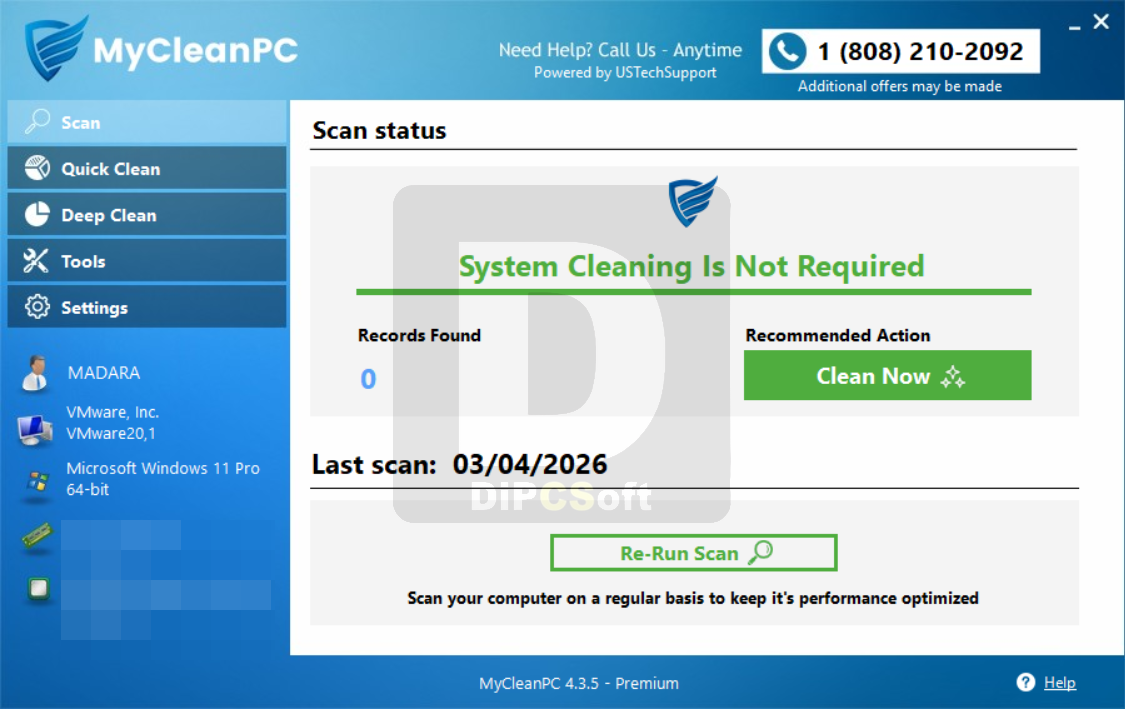
From my perspective, the app’s greatest strength lies in the way it bundles its impressive array of features in an intuitive package. Folks that have transferred any personal files that took up the bulk of their storage can gain additional space by clearing cached records, junk files and temporary files.
In a world where advertisers seek to spy on our online activities in an attempt to collect and sell our data, the ability to get rid of trackers is a welcome helping hand in the effort against the privacy compromises one has to get accustomed to when surfing the web.
Automate the process of giving your PC a performance boost
Another underrated feature is the option to schedule the scanning operations as frequently as you see fit and avoid worrying about the state of your machine while carrying out your daily tasks in the foreground.
Users who also lack the time required to thoroughly analyze their personal directories can also detect and duplicate files to regain disk space in a pinch. On top of that, the system startup time could see considerable reductions by preventing less frequently used programs from being initialized on boot.
A helping hand when you need it the most
If you have only recently started to use computers and you think you could use a bit of automated optimization for smooth internet browsing sessions, MyCleanPC may be the right tool for the job.
Screenshots
Downloads