

Enhance PowerPoint’s capabilities with the help of this useful and straightforward productivity add-in that comes with more than 85 powerful tools. Even though it might be deemed somewhat restrictive and possibility even too complicated by some, PowerPoint is, without a doubt, one of the best choices when it comes to creating presentations and illustrations. Among other things, its effectiveness stems from the fact that it manages to pack a lot of useful features wrapped around a typical Office UI.
Shape Tools
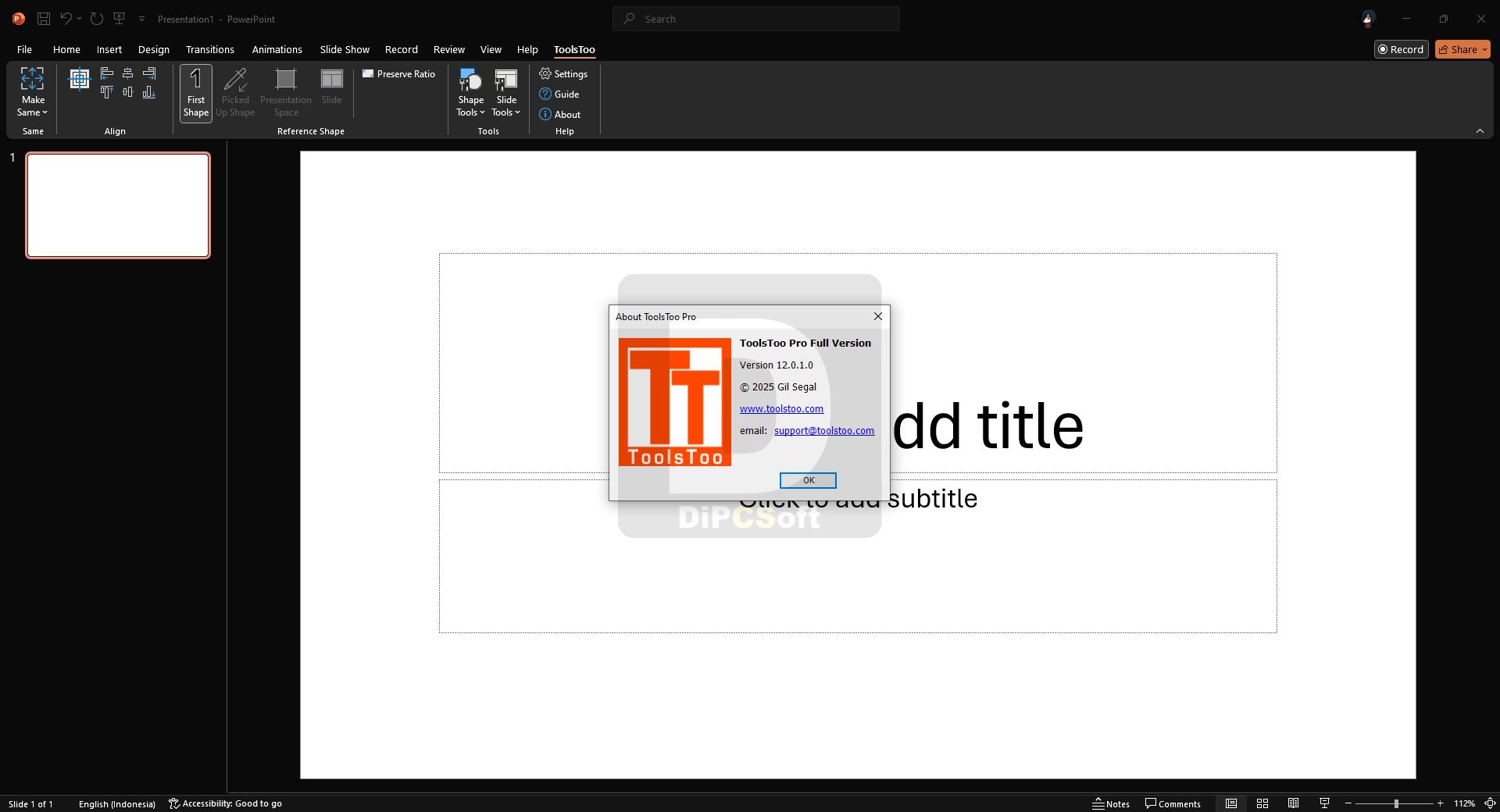
- ToolsToo has over 65 shape tools! Many of these tools use a user-specified Reference Shape as the basis for their function. The shape tools include:
- Adjoin shapes end-to-end
- Stretch shapes
- Align and Distribute shapes
- Replicate shape
- Make Same size, format, rotation, spacing, table column widths, animation, motion path end, rounded corners, and adjustments
- Rearrange z-order and animation sequence
- Make Title/Body
- Paste Thumbnail
- Text Split Join
- Make Line Horizontal/Vertical
- Reset Motion Path Start
- Copy to Motion Path End
- Add to Group
- Swap
- Add Connection Sites
- Scale to 100%/height/width
Slide Tools
- ToolsToo has more than 20 slide tools! The slide tools include:
- Agenda Copier — copies agenda slides and shows progress within the presentation. This tool alone will save you hours!
- Insert Picture from Clipboard — pastes clipboard as new slide and scales to fit
- Reformat Slides — reformats selected slides using colors from first selected slide and theme of the preceding slide
- Split Text Between Two Slides
- Split Animation — splits on-click animation sequences to multiple slides
- Remove Animation/Notes/Hidden Slides/Embedded Chart Data/Unused Slide Masters/Unused Slide Layouts/Empty Sections
- Extract Selected Slides — extracts and optionally e-mails slides while preserving all formatting
- Extract Notes — extracts notes to a Microsoft Word document
- Set Language — sets the language for the entire presentation
- Slide Statistics — shows various slide statistics and estimated duration
What’s new in ToolsToo for PowerPoint 12.0.0
Dec 14, 2025
New Tools:
Make Same Shape
Swap Formatting
Extract Comments
New chain tools:
Select Body
Select Title
Split Text to Two Columns
New Features:
Auto check for update
Option to set layout name to be used by Agenda Generation tool
New Settings:
Horizontal Direction – specifies the horizontal direction (Left to Right, Right to Left) in which shapes are laid out by the Horizontal Spacing and Distribute Horizontally tools
Vertical Direction – specifies the vertical direction (Top to Bottom, Bottom to Top) in which shapes are laid out by the Vertical Spacing and Distribute Vertically tools
Changes in Behavior:
Distribute Horizontally now uses the Horizontal Direction setting instead of the text direction of the Reference Shape
Distribute Vertically now uses the Vertical Direction setting
Renamed the following Chain Tools and moved them from Make Same -> Spacing to Settings -> Other Tools
Set Horizontal Spacing Direction -> Set Horizontal Direction
Set Vertical Spacing Direction -> Set Vertical Direction
Make Same Width, Make Same Height, Make Same Size now set the perpendicular dimension(s) when the target shape is rotated 90 or 270 degrees
The Reference Shape-based tools, the Pickup tool, and most of the Shape tools will now operate on the selected shape even if text input is active
Simplified, per-user only, installer, no administrator privileges required. Existing per-machine installations will need to be manually uninstalled prior to installing this version.
Bug Fixes:
Corrected version update check algorithm
Renamed “Hide Format Tab” option to “Hide Shape Format Tab”
Corrected an issue preventing the display of the Advanced Spacing pane after using the Add to Group, Remove from Group, or Transpose Tables tools
Extract Notes tool now displays an error message when trying to extract to a file that is already open
Corrected a startup error when creating a new document with a theme
Split Text to Two Slides and Transpose Tables now work correctly in presentations in which the slides numbers do not start from 1
Removed extraneous carriage return from end of text in original slide after using the Split Text to Two Slides tool
Added error trapping in Split Animation tool
Screenshots
Downloads