Naviate Structure 2026.0.0
 MADARA
 An industry leading product that enables structural designers to automate modelling, detailing & scheduling of structural systems in Revit. Deliver rebar bending schedules and details to any global standard and…

An industry leading product that enables structural designers to automate modelling, detailing & scheduling of structural systems in Revit. Deliver rebar bending schedules and details to any global standard and…
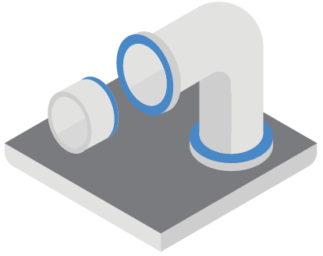
Streamline the design of HVAC, plumbing, and sprinkler systems in full 3D, with support for collaborative BIM projects. Advanced 3D design with seamless integration Elevate your ventilation and piping system…
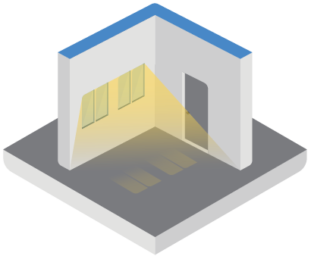
Automate daylight factor and daylight area ratio calcualtions of your BIM model for optimising design decisions on indoor lighting, windows and other elements for better work and living areas. Scans…
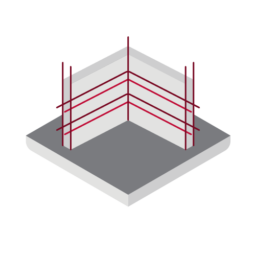
Naviate Rebar streamlines 3D reinforcement detailing for Autodesk Revit. It helps you work faster, reduce errors, and handle complex projects with ease. Connected workflows help deliver construction ready models that…
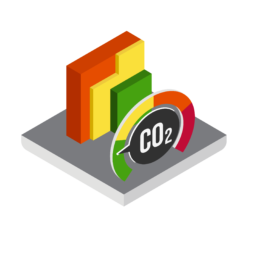
Make smart, sustainable material selections directly in your Revit model. Sustainability Minimize the carbon footprint of your designs by making smarter material selections. Naviate Zero gives you direct access to…
Bimfire is made for Fire Safety Engineers to work directly in Revit. It enables you to transmit data from your Fire Safety models to the other collaborators in a building…

BIMida is primarily intended for BIM projects in Luxembourg and Belgium, aiming to comply with national data frameworks (GID sheets). These GID sheets are available on the website www.bimids.eu. It…

PlugbimNotes is an intuitive plugin for Autodesk® Revit® that finally enables you to add editable notes directly to your schedules. This tool streamlines project documentation, improves team communication and helps…

When sheets are exported from Autodesk® Revit® to DWG, each sheet is typically saved as a separate file. Combining these files into a single DWG with all drawings and sheets…
Color Tabs is a plugin for Autodesk® Revit® that enables the colorization of Revit tabs according to the project or family they belong to. This enhances productivity when working simultaneously…